
Translucent Menus – URP
Create modern frosted glass uGUI menus in Unity URP with presets, smooth color fusion, optimized blur and editor setup tools.
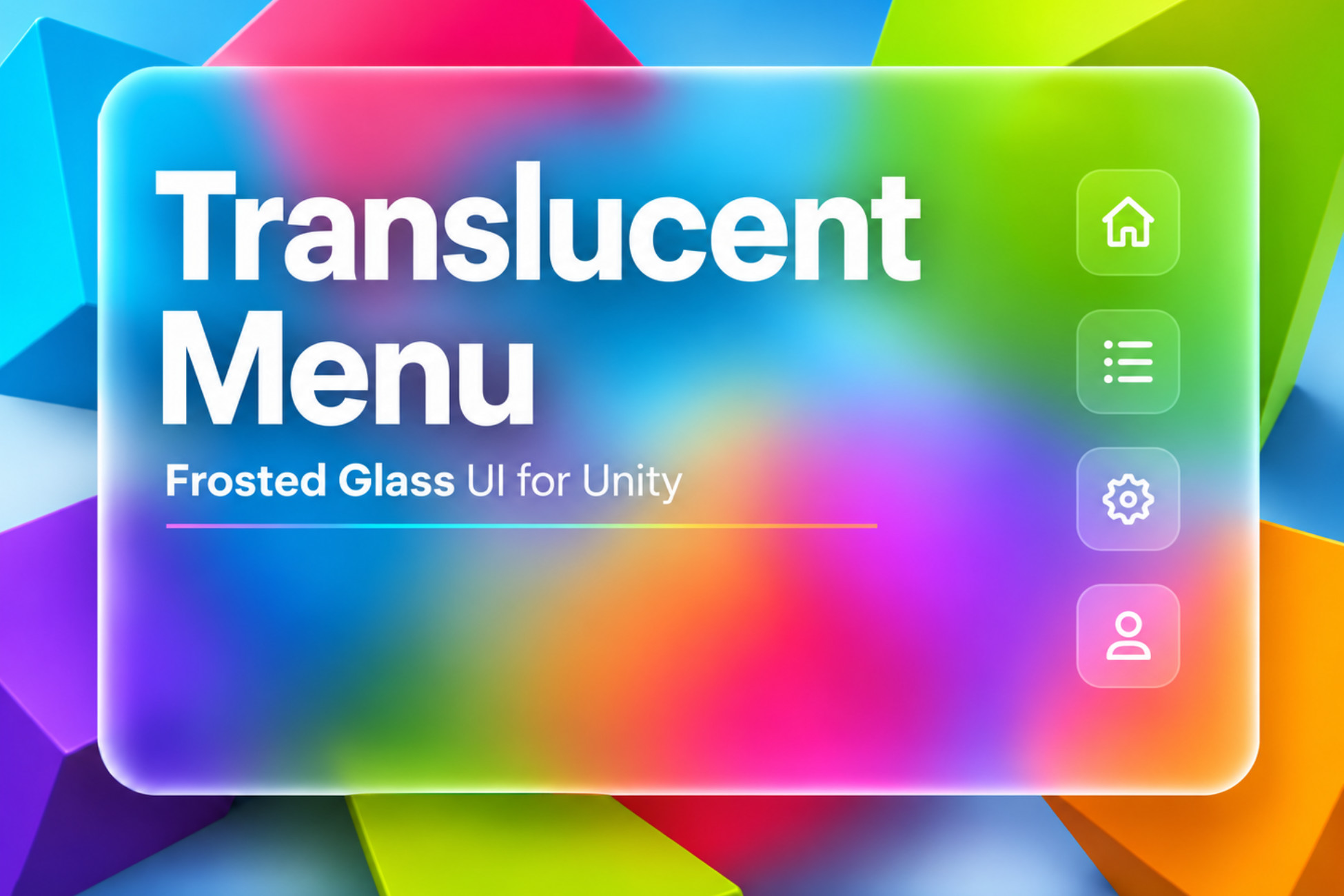
Frosted glass menus without rebuilding the UI stack
Translucent Menus – URP is designed for pause menus, settings panels, HUD backgrounds, overlays, modal windows, selection screens and modern game menus that should blend naturally with the scene behind them.
Drop-in Image workflow
Add the TranslucentMenu component to a uGUI Image, choose a preset, then tune opacity, blur, frost and color blending.
Optimized shared blur
Use the included URP renderer feature for a shared background blur path, with fallback support through Camera Opaque Texture.
Ready visual styles
Main Menu, Amber, Dark Glass and Soft Gold presets give teams a practical starting point for polished UI panels.
Smooth moving backgrounds
Smooth Colors and Color Update Speed controls help balance moving-background quality and performance.
Manager window
The Tools > BabelGames > Translucent Menu window helps configure scene menus, sources, presets and setup warnings.
Sample scene and guide
The package includes a sample scene, shaders, material and texture resources, README, changelog and PDF guide.
Built for Unity URP menus, HUDs and overlays
The asset keeps the workflow inside Unity: configure the renderer feature, apply the component to panels, select a preset and tune the result directly in the inspector.
- For menu screens: pause, settings, main menu and modal panels can keep scene context visible behind the interface.
- For HUD backgrounds: translucent panels can separate information from the scene without covering it completely.
- For production teams: bulk refresh, source assignment and preset assignment reduce repeated UI setup work.
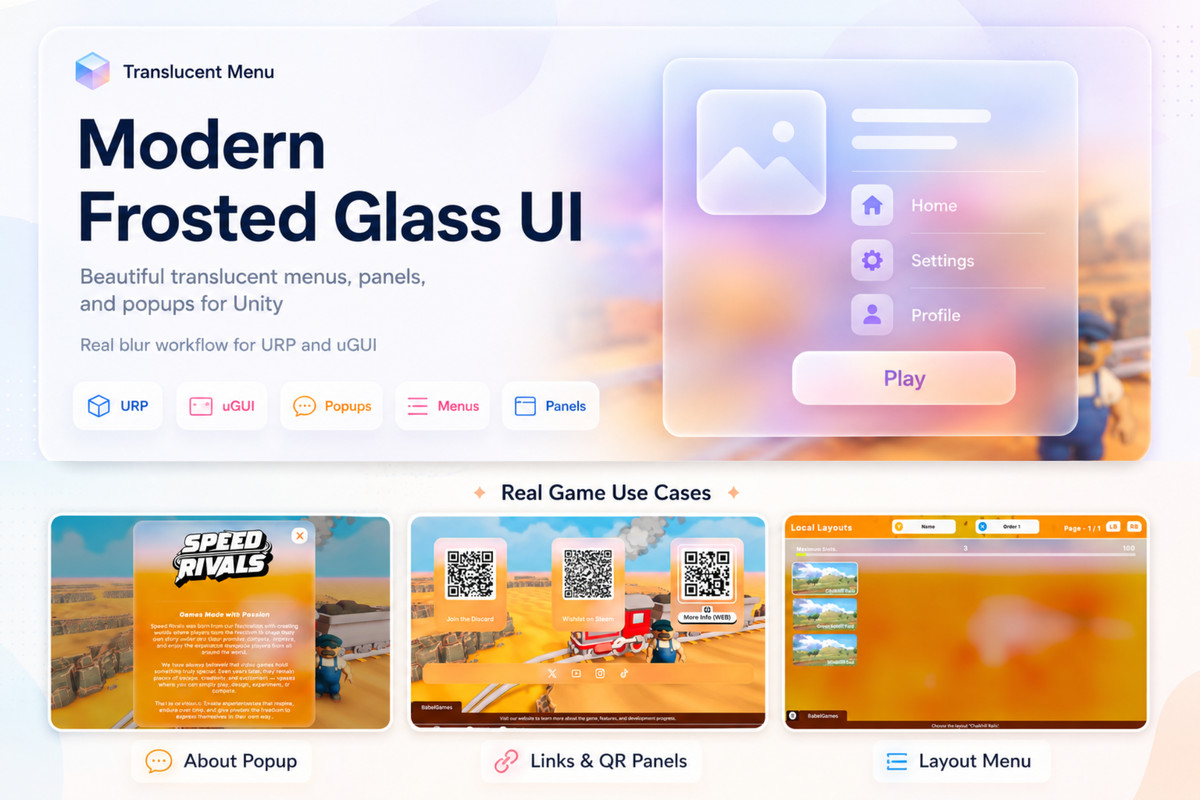
Gallery
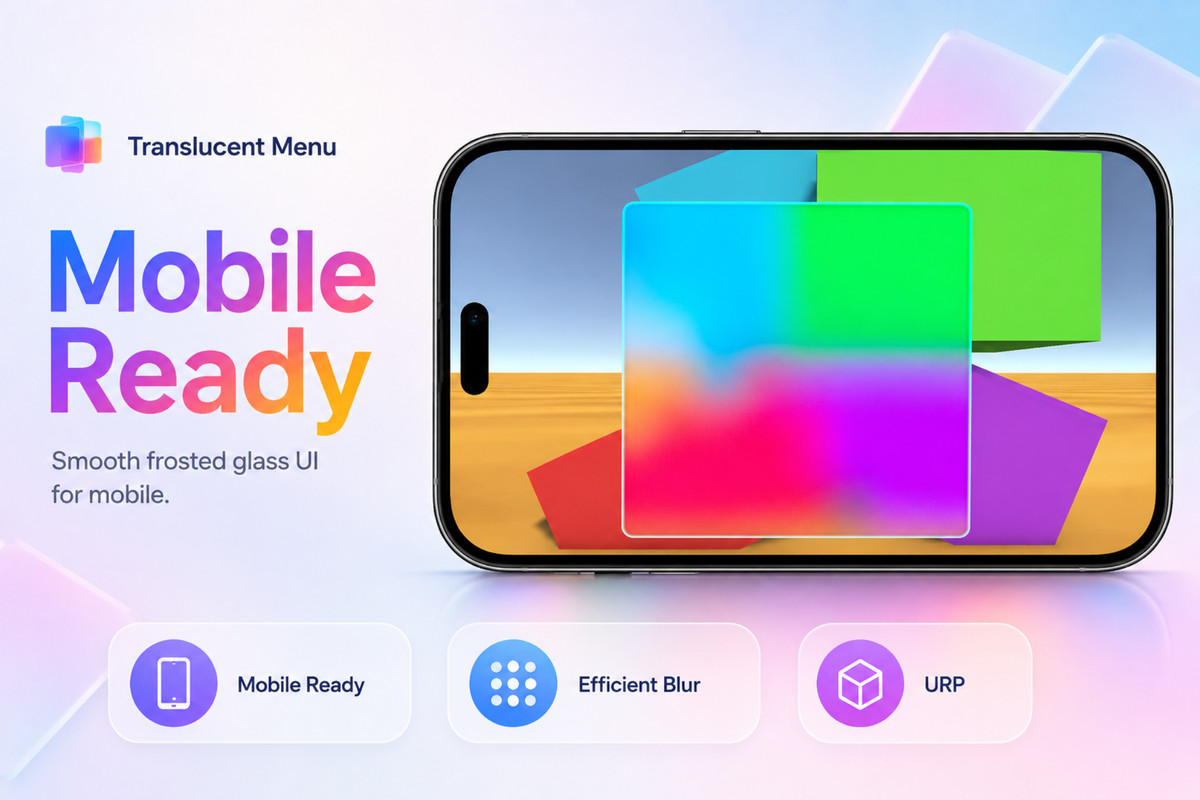
Screenshots from the Unity Asset Store package, showing the editor setup and frosted glass menu results.
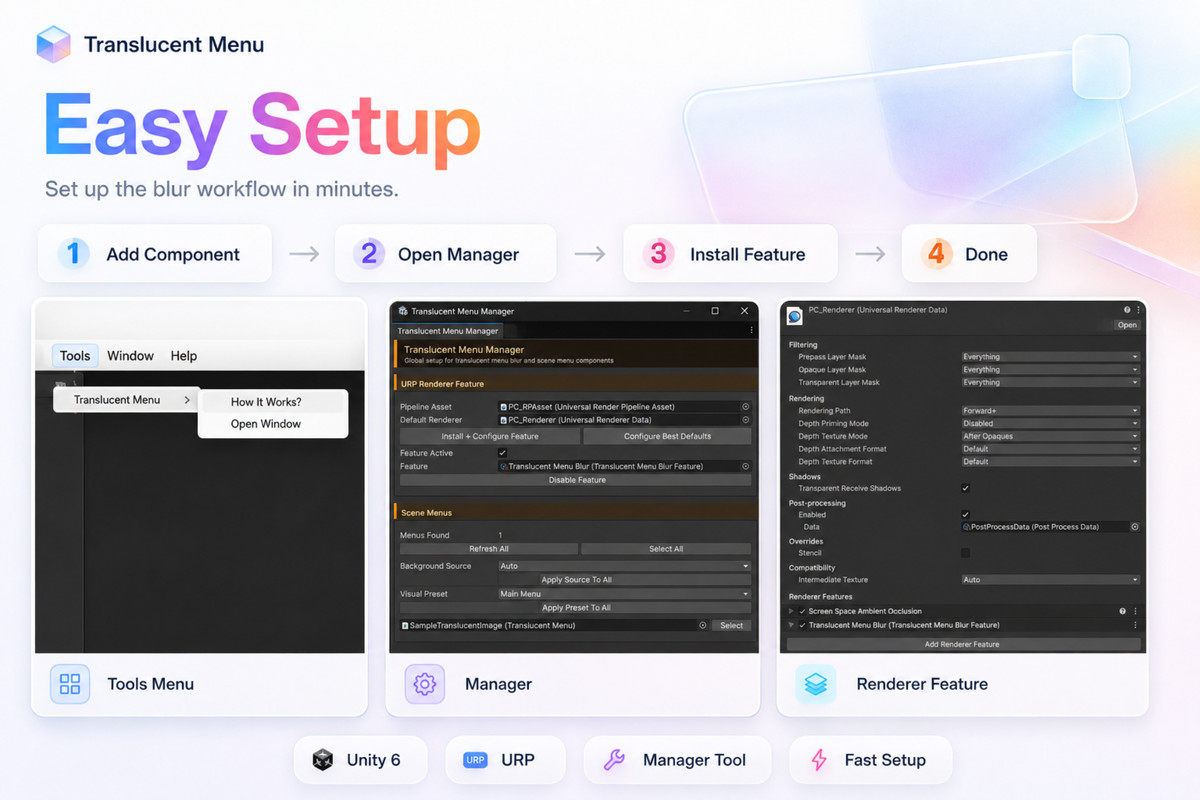
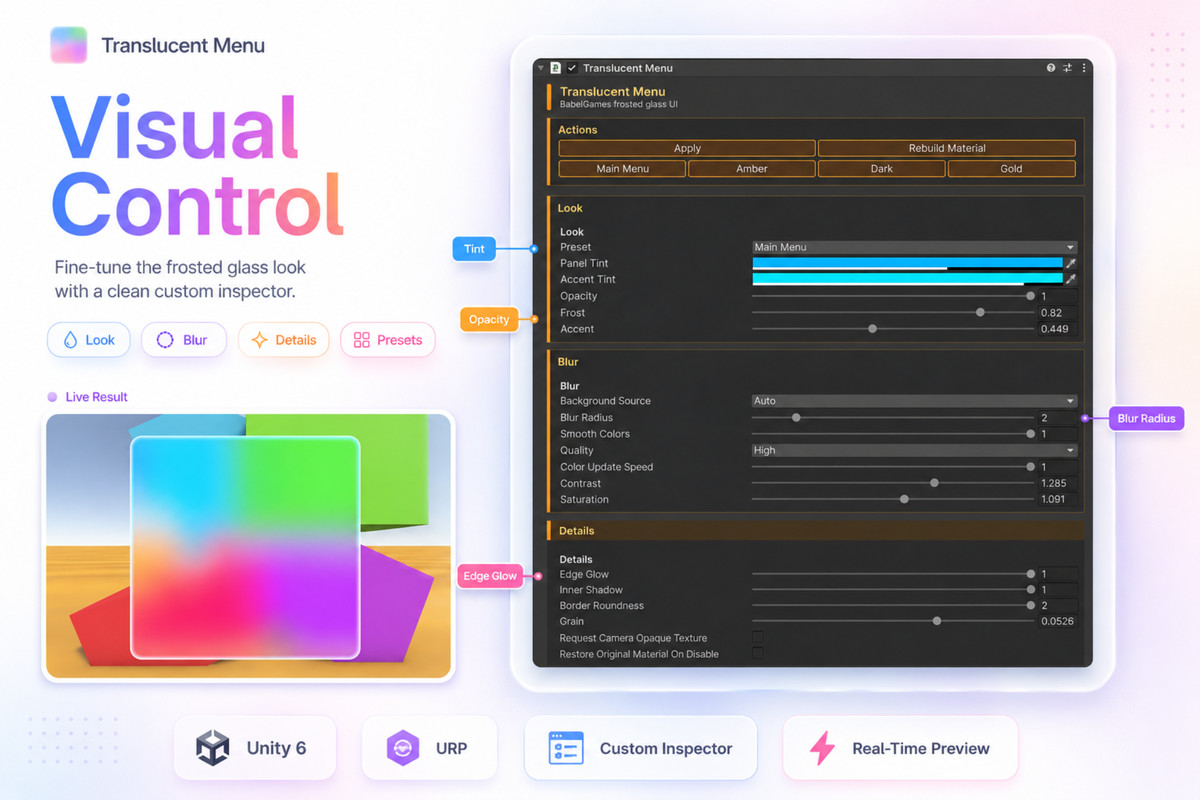

Get Translucent Menus – URP on the Unity Asset Store
Use it to create frosted glass menus, UI panels, HUD backgrounds, overlays and modal screens in Unity URP projects.